Below are some of the highlights of Aligni's part management features. Everything has been designed to make you and your collaboration more efficient.
Aligni provides an easy-to-use relational database that allows you and your colleagues to store, search, find, and manage hundreds to thousands of discrete parts including multiple sources of manufacturers and vendors for each part. Easily collaborate on parts and projects from small teams to enterprise-wide engineering organizations.
Aligni lets you keep an approved vendor list (AVL) within the database but does so with greater capability than is typically offered by part management tools. With Aligni, you can submit RFQs to vendors and discuss their quotes, completely within the Aligni application. You can also manage vendor part numbers and buy-as quantities associated with them.
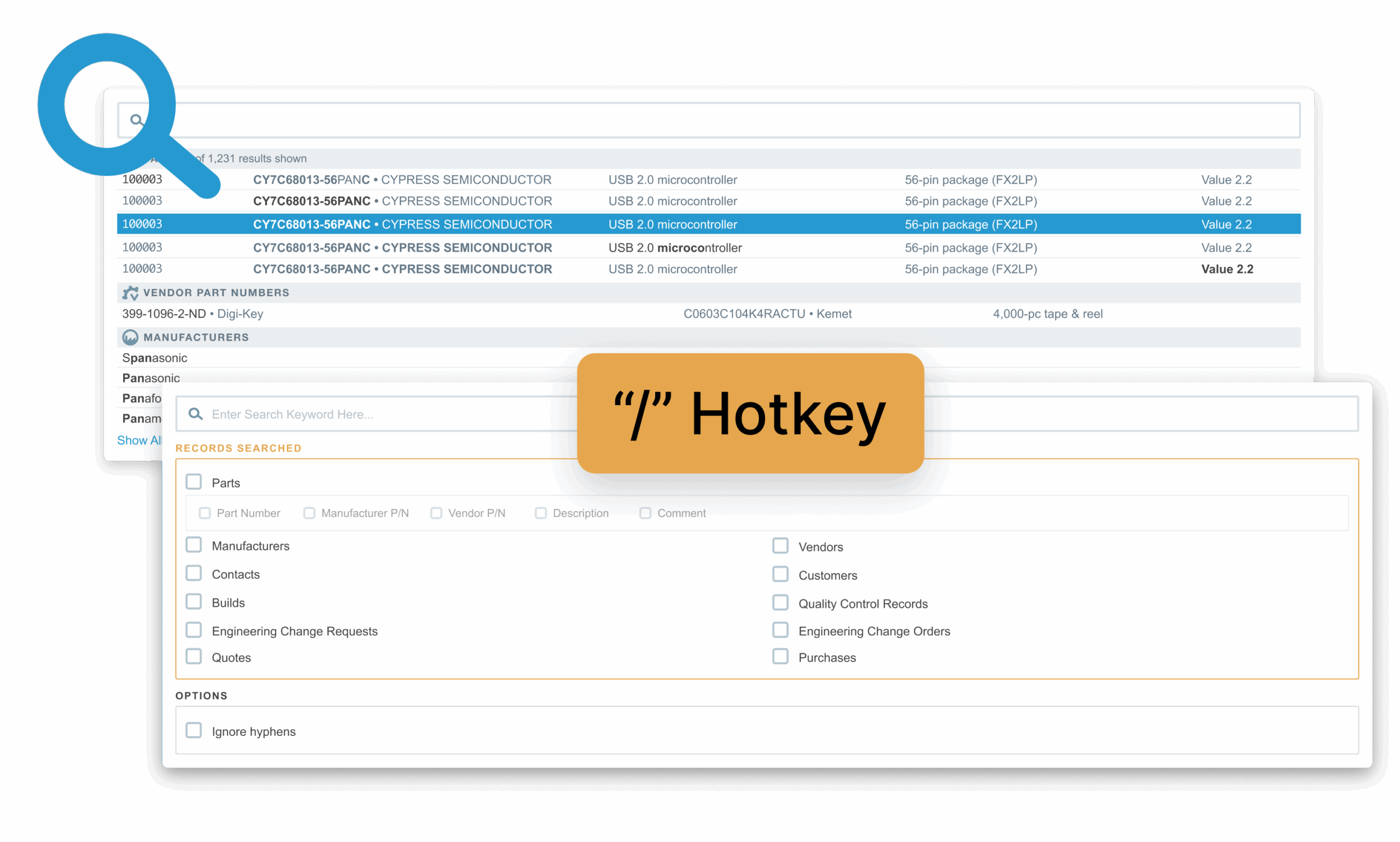
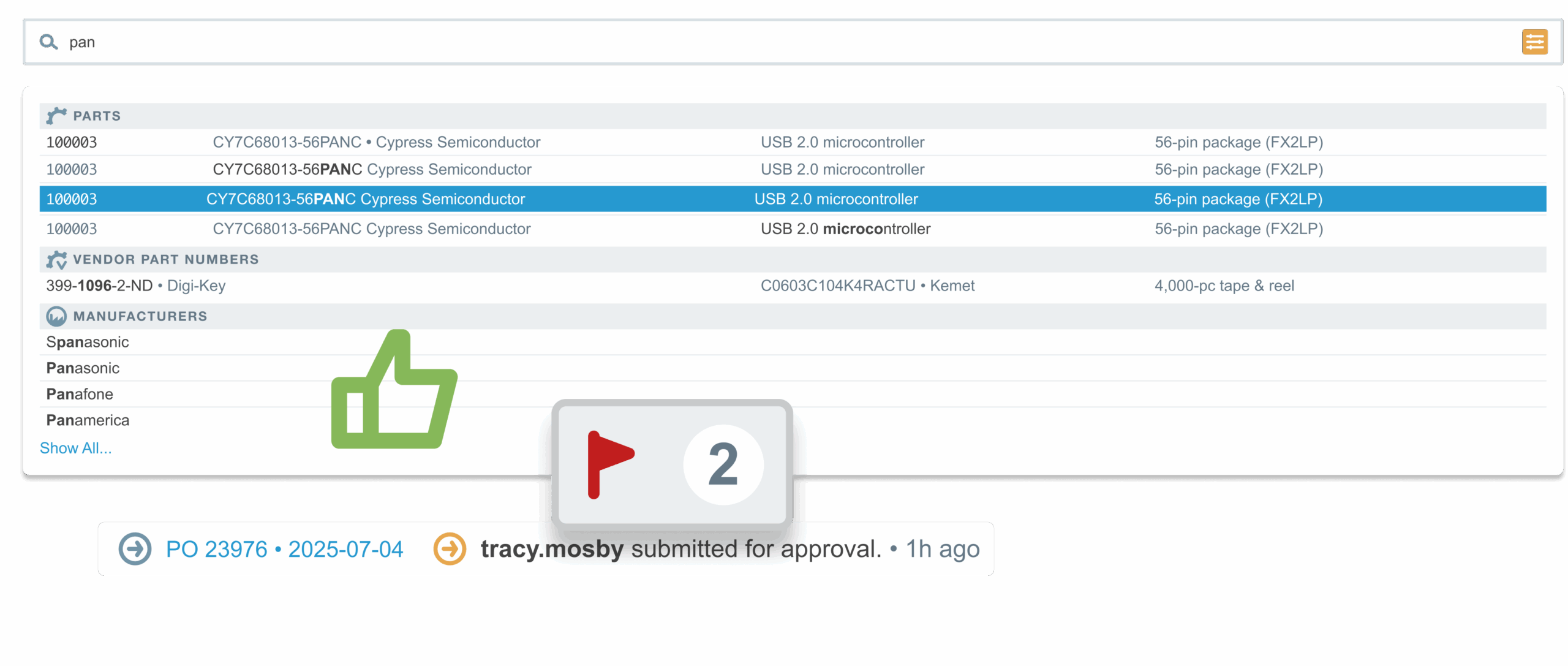
Find parts fast, filtering by manufacturer, part type, value (within tolerance), and a host of other time-saving techniques. A QuickSearch is available everywhere on Aligni to find parts by manufacturer part number.
Many projects have interchangeable components such as resistors, capacitors, screws, and so on. With Aligni, you can link parts to suitable alternates and easily manage these substitutions within a project.
Part information is clearly displayed on the part radar screen. Description and comment fields are common to all parts and you can create your own fields (such as PCB footprint, schematic symbol, or value) to associate with particular part types.
Aligni comes pre-configured with several default parameters such as description, value, and RoHS status. You can also define your own and make them specific to different part types. Custom parameters can be strings, booleans, numbers (with optional SI units), or pre-defined option sets.
Keep important notes associated with your parts and assemblies so you have the information when and where you need it. You can record notes, URLs, and even files using your optional Amazon S3 storage. Store your datasheets, user's manuals, Gerber files for manufacturing, design diagrams, and so on. Whatever makes your collaboration more efficient.
Any part in Aligni can have subparts and we call such parts "Projects" or "Assemblies". You can build unlimited hierarchies of assemblies to make projects easier to manage and view.
Assemblies are often made up of parts that can be sourced from multiple manufacturers or have appropriate substitutes. Built-in part alternate management makes it easier to make such substitutions based on available inventory or price changes.
The cost sheet shows you a concise run-down of the costs of a assembly including costs based on minimum quotes, maximum quotes, inventory prices, and even quoted pricing based on a specified quantity.
The Part List typically shows only the subparts on the assembly bill of materials. The Kit List will show a complete drill-down of all parts required for an assembly, including sub-assemblies, conveniently sorted by part. This helps you get a handle on all the parts required for a project, across the entire assembly.
Often you would like to keep a part on a bill of materials but not use that part in assembly. When you tag a subpart as "No-Load", the part will no longer be shown on short-lists and cost-sheets, but stays on the bill of materials for reference. You can use this feature to conveniently handle assembly variants without hiding information.
Keep track of non-material assembly costs such as PCB assembly or testing by assigning non-material parts to the assembly. These "parts" get the full benefit of other parts in the system including ActiveQuote, but are not included on short-lists.
Each part in your Aligni database has an associated manufacturer. Each manufacturer can have multiple vendors. Aligni provides the tools to manage your manufacturer and vendor lists and the parts available from them.
Vendors are the cornerstone of quoting and purchasing within Aligni. While a single manufacturer is associated with each part, the part may be purchased from multiple vendors.
With Aligni, you interact with vendors completely within your parts database. This results in reduced error rates and miscommunication, ensuring you have the right parts on hand just when you need them.
Keep company contacts in the database and link them with a vendor (and possibly multiple manufacturers). Use this link the send quotes and purchase orders to these contacts via email.
Keep vital notes associated with your manufacturers, vendors, and contacts so you have the information when you need it. You can record notes, URLs, and even files. Keep track of vendor references, ordering procedures, purchase agreements, and anything else that makes your operation more efficient.
Your Aligni Approved Vendor List makes it easy to see where to purchase any given part. Aligni also lets you manage approval dates and expiration for vendors for compliance purposes.
With ActiveQuote, you can make sure you and your vendors are on the same page. Since everything stays within Aligni, you won't be fumbling for that lost email quote or wondering if you have a current price.
Specify vendor part numbers and buy-as quantities so you can best handle purchasing from your vendors. Store multiple vendor part numbers to indicate different packaging options.
Aligni's inventory management feature tracks your parts, components and assemblies at multiple locations. Realize significant cost savings by managing your own inventory and procurement rather than paying a turnkey contract manufacturer.
You may have part inventory at various engineering development locations including multiple locations within your company, as well as your manufacturing locations. With Aligni Inventory Management you can add them all and track every part.
When you're ready to build a batch of assemblies, a quick glance at the Short List will show exactly which and how many parts you need to buy to complete the build. Aligni organizes the view for one or more assemblies and in a particular build priority.
When an assembly is built, you can create an inventory consumption order based on that assembly's part list. Inventory levels will be adjusted according to your input. You can even account for over- and under-consumption due to attrition or other factors.
All inventory changes are stored as inventory history items that you can review at any time. If there's ever a discrepancy, your complete inventory history can help quickly get to the root of the problem. History records link back to consumption orders or transfers for easy reference.
Use the PartCart to compile an inventory transfer, print a packing list, and indicate the parts that are in transit. When they arrive at their destination, you will complete the transfer.
ActiveQuote™ helps you create RFQs, submit them to vendors, and receive quotes from vendors, all within the convenient Aligni parts management database.
The PartCart was created for quotes and purchase orders. Create a new quote, set it as your PartCart and go shopping inside your Aligni database. As you add parts to your PartCart, they get added to the quote -- just like a shopping cart at an online store.
When you are ready to send out your RFQs, you can select multiple vendors and multiple contacts at those vendors. Each vendor will see only the parts on their line card, as specified in your database.
Your chosen vendor contacts receive an email with a "Vendor Ticket" which provides them a secure, unique access to your RFQ, but not to your database. They can enter pricing, lead-time, min/mult quantities, and comments. When they submit their quote, you are notified by email.
Rather than keeping track of dozens of emails with correspondence regarding different quotes, Aligni keeps together all the correspondence associated with the quote. This makes it easy to see what was discussed. When quote process is finished, you delete the vendor ticket and the contacts will no longer have access to your quote.
With the information your vendors send in, you can then create a quote for that part that goes into your database. It's all in the same system -- no more fumbling with emails and spreadsheets. Using the part radar, you can even click on a quote to link directly to the RFQ that it came from.
From the same RFQ, you may get responses from multiple vendors. Aligni makes it easy to compare these quotes on the same screen, saving you time and money.
Aligni includes tools to support your initial database population and your day-to-day parts and inventory management.
You can import CSV (comma-separated values) files into any Aligni assembly. For example, many CAD tools will produce bill-of-materials output in CSV format that can easily be imported to your component database on Aligni. You won't need to rearrange the columns from your CAD package -- the import utility can help with that!
With an associated Amazon S3 account, Aligni can automatically archive and back up your data for you. Your data is exported as human-readable XML, compressed, and stored in your S3 account on a weekly basis. Aligni will even send you an email notification when a backup is complete.
Compare two part lists using Aligni's part list comparison tool. You can easily see which parts are unique to either assembly and which have differences such as reference designator changes. This view is great for comparing versions or variations of two assemblies.
Export any project view (part list, kit list, or cost sheet) into a CSV file for easy transfer to a contract manufacturer or spreadsheet for further manipulation.